Best Antivirus Apps for Android in 2026: How to Protect Your Smartphone from Threats
Does Android Need an Extra Antivirus?
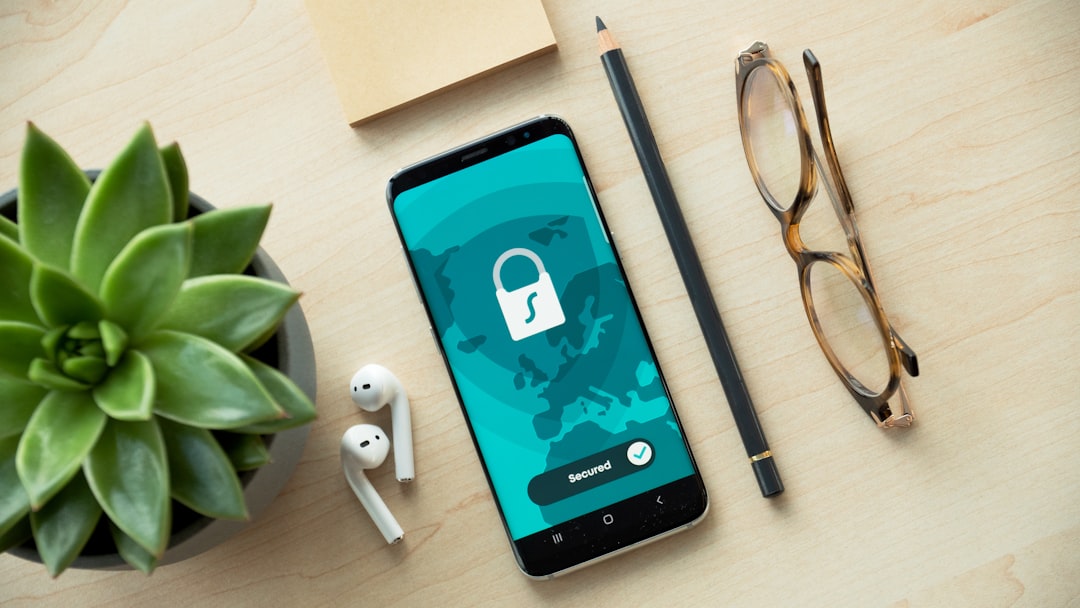
Modern smartphones hold our entire lives — bank cards, personal conversations, work documents, and private photos. The Android operating system includes a built-in defense mechanism, Google Play Protect, which regularly scans applications, but cybercriminals are constantly developing new phishing methods, malicious links, and spyware.
If you want your device protected even on unsecured Wi-Fi networks and while shopping online, a reliable security app is your best defense. Let's look at the leading solutions for 2026.
Top Antivirus Apps for Android in 2026
1. Bitdefender Mobile Security — Best All-Round Choice
Bitdefender has held a top position in mobile cybersecurity for years. The app is praised for its minimal system footprint and battery efficiency.
- Pros: Near 100% real-time malware detection, web phishing protection, and a standalone VPN to encrypt your traffic.
- Best for: Anyone looking for maximum protection without complicated settings or phone slowdowns.
2. Norton 360 Antivirus & Security — Powerful Feature Set
Norton offers a complete security ecosystem. Its standout feature — App Advisor — checks apps before you download them from Google Play and warns you of potential privacy risks.
- Pros: Built-in high-speed VPN, automatic blocking of suspicious Wi-Fi networks, and enhanced security for banking transactions.
- Best for: Users who frequently connect to public Wi-Fi networks and handle numerous financial transactions.
3. Avast Mobile Security — Best Free Version
If you are looking for a budget-friendly yet reliable option, Avast's basic version is a great pick. It effectively blocks malicious files and inspects downloaded documents.
- Pros: Flexible scheduled scanning, Wi-Fi security checks, and malicious link filtering.
- Keep in mind: The free version includes ads, and unlocking the full feature set requires a premium subscription.
4. ESET Mobile Security — Speed and Simplicity
ESET is renowned for its ultra-fast scanning engine. The app responds instantly to suspicious activity without putting extra strain on the processor.
- Pros: Robust anti-phishing shield, clean interface, and an effective Anti-Theft system.
How to Protect Your Phone: Golden Rules
- Update your system: Operating system and app updates regularly patch critical security vulnerabilities.
- Don't trust unknown links: Suspicious links sent via SMS or messaging apps are the most common gateway for phishing scams.
- Download apps only from official stores: Avoid sideloading risky APK files from third-party websites.
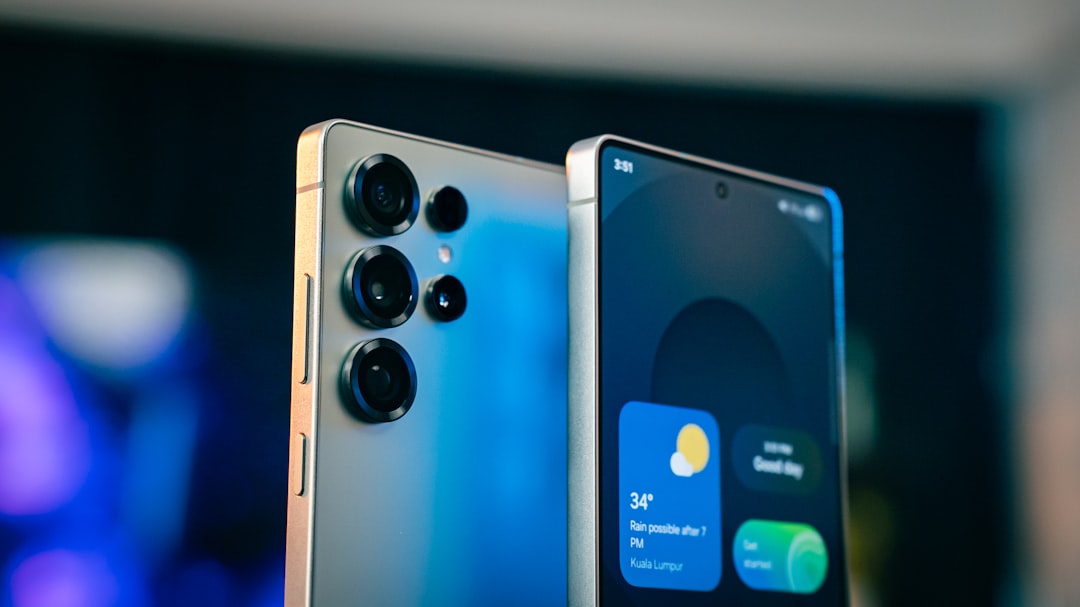
Security begins with healthy hardware: when you choose a thoroughly tested flagship device, built-in system defenses operate much more reliably.
If your current phone no longer receives official security updates, it might be time for an upgrade. At usmobi.ge, you'll find thoroughly tested new and used Android smartphones imported directly from the USA — complete with warranty coverage and flexible financing options.