Latest Samsung Galaxy Update Causes Issues: What's Happening and What You Need to Know
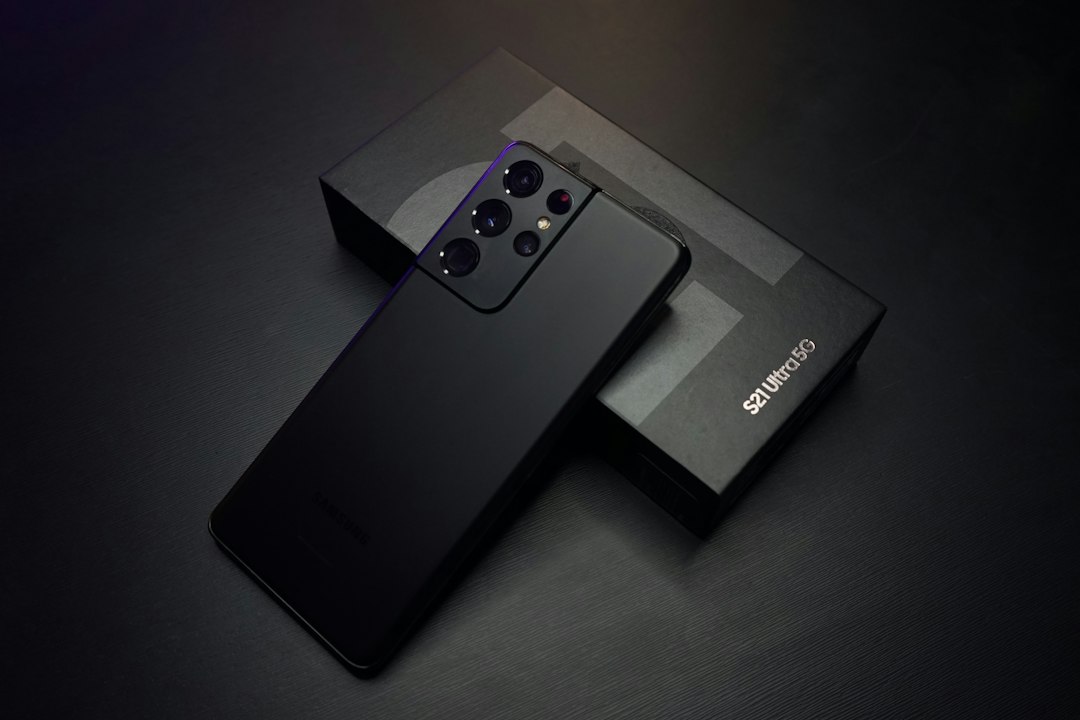
Unexpected Glitches in the Latest Samsung Galaxy Update
Tech giant Samsung continuously provides users with system updates and security patches, but a recent update has caused quite a stir. After installing the latest firmware on flagship Galaxy series smartphones, users started noticing serious bugs, which may soon affect other models across the brand.
What Specific Issues Are Users Facing?
Hundreds of users have already voiced their frustration across social media and tech forums. Following the update, the most common issues reported include:
- Rapid Battery Drain: Smartphones lose charge at an alarming rate, even with the screen turned off or under minimal workload.
- Overheating and Performance Throttling: Poor background process management causes the processor to overheat, leading to interface lag and stuttering.
- Touchscreen Unresponsiveness: Some models suffer from inconsistent touch response and occasional screen freezing.
- Connectivity Issues: Random disconnections from Wi-Fi and mobile data.
Bugs slipping into software updates are not unheard of, but when flagship devices are affected, it demands immediate attention and a swift response from the manufacturer.
Could the Problem Spread to Other Devices?
The main concern is that due to Samsung's unified software ecosystem, similar algorithms are used across previous-generation flagships and mid-range devices (like the Galaxy A series). Unless developers patch these bugs promptly, the wider global rollout could disrupt millions of devices.
How to Protect Your Device
If you use a Samsung smartphone, we recommend following these simple tips:
- Hold off on updating: Disable auto-updates and wait a few days until the manufacturer releases a hotfix or patch.
- Back up your data: Always back up your important files to Google Drive or your PC before any system update.
- Wipe the cache partition: If you have already installed the update and notice issues, clearing the cache partition often helps resolve system glitches.
Reliable Tech and Peace of Mind with US MOBI
When buying a smartphone, its technical condition and reliability are paramount. US MOBI offers thoroughly tested used and brand-new phones and laptops imported from the USA.
Our online shop provides:
- Rigorous pre-sale technical inspection for every device;
- Full official warranty;
- Flexible and convenient online installment plans.
Trust the professionals — shop premium original devices at US MOBI and stay protected from any surprises!